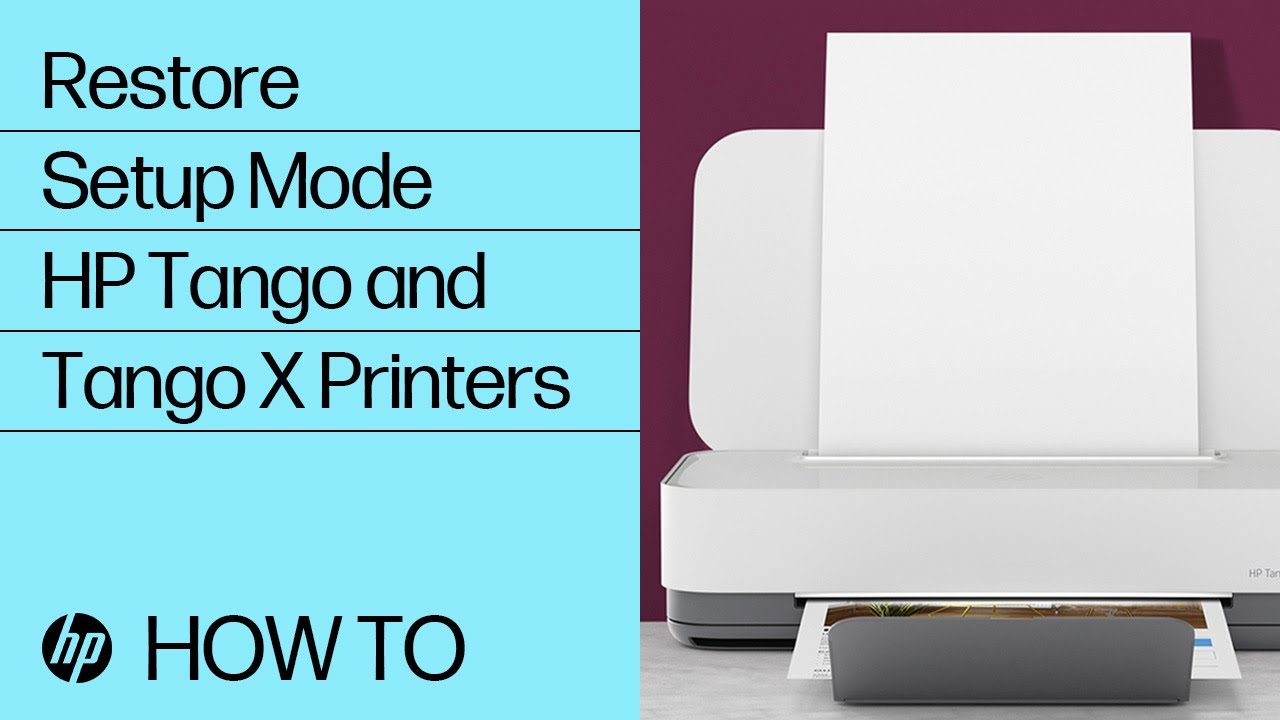
 Learn how to restore setup mode on HP Tango and Tango X printers.
For other helpful videos go to http://hp.com/supportvideos or http://youtube.com/hpprintersupport.
More support options for your printer are available at http://hp.com/support.
Continue the Conversation:
http://hp.care/SupportForums
http://hp.care/FacebookSupport
http://hp.care/TwitterSupport
Follow these steps to restore setup mode on HP Tango and Tango X printers:
- Press and hold the Wi-Fi button for five seconds until the edge lighting rotates blue.
- The printers’ default wireless settings are restored, and it is placed in setup mode for two hours.
- If you do not complete printer setup within two hours, repeat these steps again to place the printer back into setup mode.
- With the printer in setup mode, go to 123.hp.com on your mobile device or computer to start printer setup.
This video was produced by HP.
How to Restore Setup Mode | HP Tango and Tango X Printers | HP | |
| 794 views views | 88,551 followers |
| 5 Likes | 5 Dislikes |
| How-to & Style | Upload TimePublished on 9 Nov 2018 |

Không có nhận xét nào:
Đăng nhận xét